Warranty registration
HVAC warranty registration software
TuffOps captures warranty data while the work is happening, then keeps customer, equipment, install, checklist, photo, and claim-ready records together so registration is not an end-of-job paperwork chase.
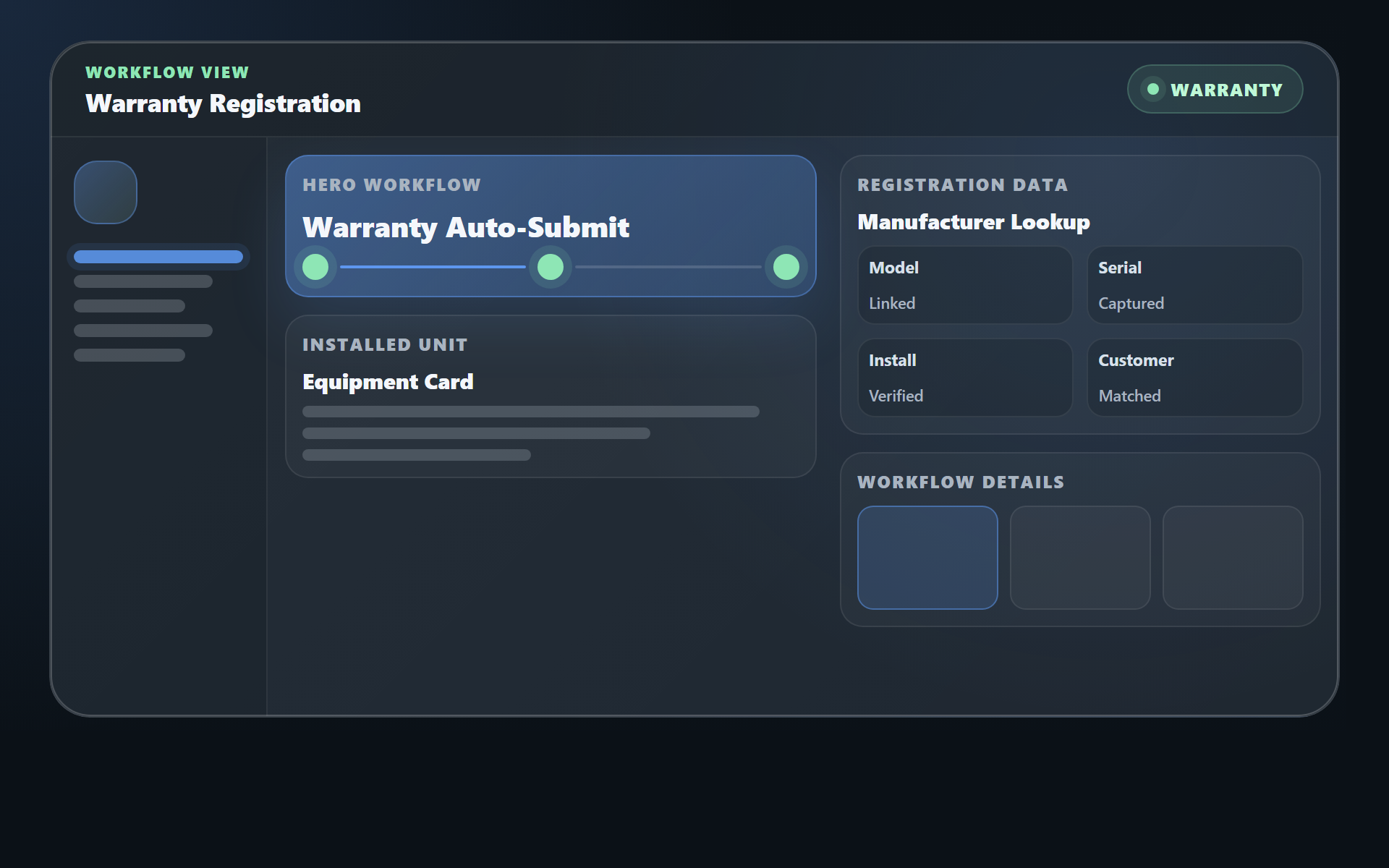
Registration details come from the job record
When your team installs or services equipment, TuffOps already has the data warranty forms need: customer, property, install date, model, serial, matched units, photos, technician notes, and customer sign-off context.
- Capture model and serial data once, then reuse it across work orders, warranties, and customer records.
- Use equipment-aware checklists to require the right warranty evidence before the tech leaves the field.
- Keep indoor and outdoor equipment linked so matched systems stay together for warranty, service, and AHRI context.
- Attach proof of install, photos, notes, startup readings, and documents to the equipment history.
Built to reduce warranty mistakes
Warranty registration is necessary, but it is easy to delay or mess up when the office is rebuilding the install from texts, photos, PDFs, and memory. TuffOps turns the install record into the source of truth.
Less retyping
Warranty data follows the job instead of being copied between spreadsheets, PDFs, manufacturer forms, and inboxes.
Cleaner equipment records
Every future visit starts from the same verified unit history, linked equipment, and signed-off install context.
Better customer proof
Customers can see equipment and warranty status through the portal when you enable it, reducing calls for old paperwork.
Claim-ready records for months or years later
The real payoff is not just faster registration. It is being ready when a warranty claim comes up later. TuffOps keeps the customer record, linked equipment, install work order, checklist evidence, photos, startup readings, and packet history together so the proof is already organized.
- Reduce missed registration windows by collecting the data while the tech is still at the equipment.
- Protect the customer experience when coverage questions come up after installation.
- Give the office one place to review the evidence instead of chasing five separate threads.
Part of the full HVAC workflow
Warranty registration works best when it is connected to estimates, work orders, customer records, payments, and compliance. That is why it lives inside TuffOps instead of a disconnected form.
What changes when warranty lives inside the HVAC workflow
Most warranty mistakes start because registration is treated as an after-the-job office task. Someone has to find the install notes, confirm the model and serial, match the indoor and outdoor equipment, identify the customer, and copy everything into another place. TuffOps keeps those details attached while the work is happening, so the office is not reconstructing the job later.
That matters for small HVAC teams because the person doing warranty paperwork is often also answering phones, scheduling, invoicing, and helping techs. When registration details are already tied to the estimate-to-invoice workflow, the work gets cleaner without adding another admin process.
- Install date, customer, property, and equipment history remain connected to the same job record.
- Photos, notes, and proof-of-install materials stay near the warranty workflow.
- Future service calls start from the same warranty-aware equipment record.
Designed for fewer callbacks and cleaner records
Warranty registration is not just paperwork. It affects customer trust, future service history, and how quickly your office can answer questions months later. TuffOps gives your team one place to see the installed equipment, the related job, the customer record, and the documents that support the registration.
For jobs that involve matched systems, the warranty workflow can also connect with AHRI matching and linked systems so indoor and outdoor unit context does not get separated after installation. The same linked-equipment foundation also matters for Part 84 appliance-level tracking.
Who this warranty workflow is for
This page is for HVAC owners and office teams who already do good install work, but still lose time after the job hunting for serial numbers, matched equipment, customer details, and proof-of-install notes. TuffOps helps keep that information together before the warranty task becomes a separate cleanup project.
- Small HVAC teams that want warranty records without adding another admin tool.
- Install crews that need indoor and outdoor equipment details to stay connected.
- Office teams that answer customer warranty questions months after the job.
How TuffOps supports warranty registration
The workflow starts by capturing equipment and job details once. From there, the same record can support the estimate, installation work order, customer portal, warranty registration, and future service history. The goal is simple: stop rebuilding the job after the truck has already left.
Warranty registration questions
Does TuffOps submit warranty registrations for us?
TuffOps keeps the equipment, customer, install, and job data together so the registration process starts with the right information instead of a paperwork hunt.
What warranty data does TuffOps keep with the job?
Model, serial, install year, site, customer, AHRI match data, notes, photos, and related work records can stay tied to the equipment record.
Does this connect to AHRI match data?
Yes. Linked equipment and AHRI match details can stay attached to the unit so warranty and compliance records are easier to complete and review.
Can customers see warranty records later?
When the customer portal is enabled, customers can access the records you choose to expose without calling your office for old paperwork.