AHRI matching
AHRI matching for HVAC warranty registration
When indoor and outdoor units need to stay linked for warranty registration, TuffOps keeps the system, AHRI context, certificate status, field evidence, and packet records together.
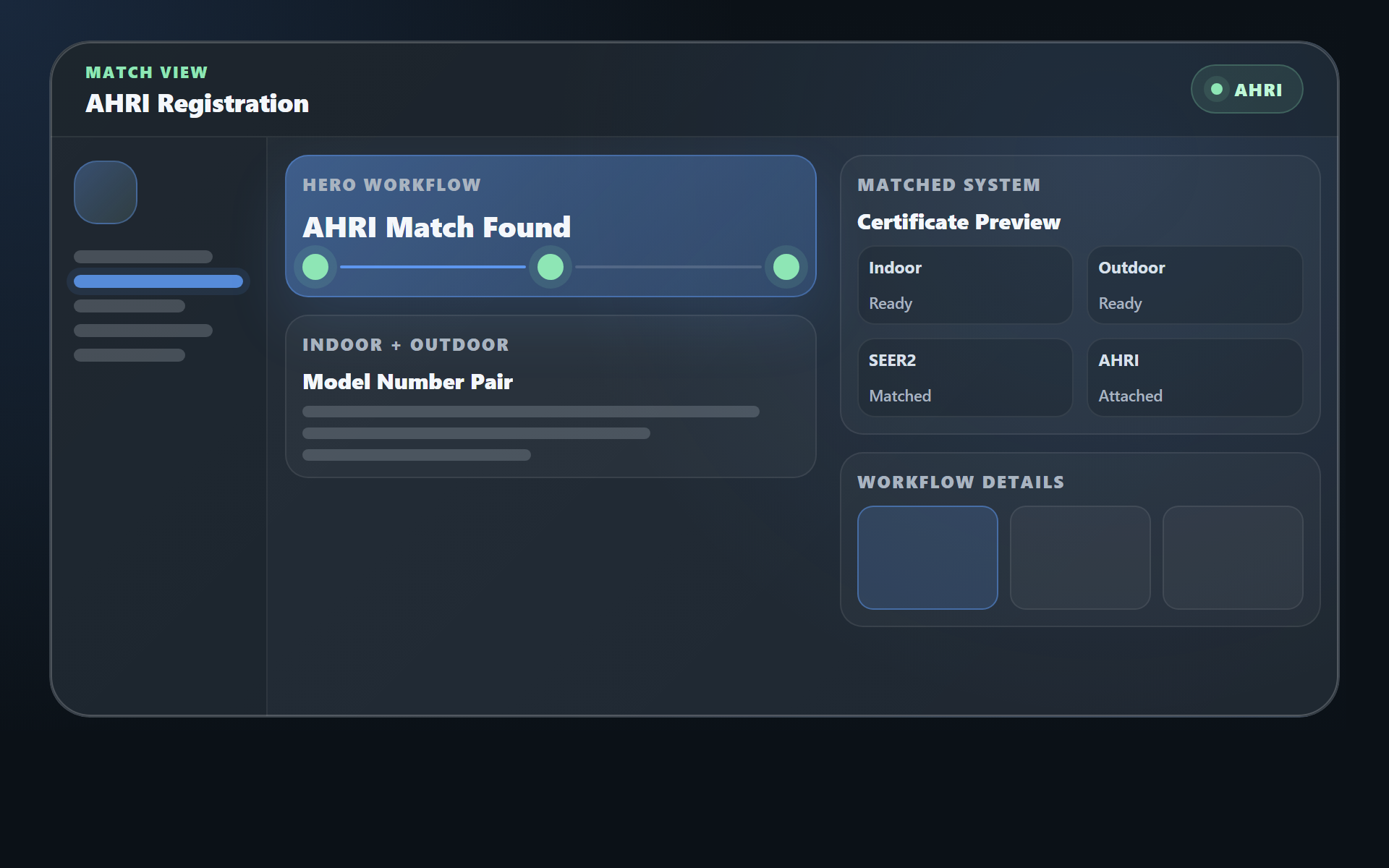
Matched systems make warranty registration harder to manage
When warranty registration depends on matched indoor and outdoor equipment, the office needs more than a model and serial number. It needs clean AHRI context, linked units, and proof that the right system was installed.
What you chase today
- Model and serial numbers
- Brand and equipment details
- Customer information
- Install records
- Photos and job notes
- AHRI context
TuffOps collects AHRI-ready data in the field
TuffOps captures the equipment, customer, checklist, and photo evidence during the job, while the tech is still standing at the matched system.
What TuffOps collects for you
- Equipment-aware checklist data
- Customer and service address details
- Unit and install context
- Required warranty evidence
- Connected photos, notes, and packet records
- AHRI match context
Result: the right data is captured before the tech leaves the field, and the office has less end-of-job scramble before warranty registration begins.
AHRI Linked-system classification happens automatically
AHRI work depends on understanding which indoor and outdoor units belong together. In TuffOps, linking means those units are connected as one system record instead of being treated as separate pieces of equipment. You can easily link connected indoor and outdoor units, and once linked, TuffOps can classify the system, track the current equipment fingerprint, and show whether AHRI certificate evidence is required, missing, attached, stale, incomplete, ambiguous, or not applicable. Learn more in the linked equipment groups guide and the Part 84 linked-equipment guide.
Linked equipment groups
Indoor and outdoor units stay connected as one HVAC system, so AHRI, warranty, service, and compliance work all reference the same equipment relationship.
AHRI readiness status
Your team can see whether the certificate context is ready, missing, stale, or not required.
Change protection
If the equipment combination changes, prior AHRI certificate evidence can be marked stale.
Linked system
Indoor and outdoor units stay connected as one system
TuffOps links the equipment that belongs together, then keeps AHRI context, certificate status, install evidence, and warranty packet records attached to that system.
Checklist evidence built for real warranty registration
TuffOps seeded warranty evidence checklists are not generic task lists. They are built around the photos, readings, and install details HVAC teams commonly need when warranty registration, manufacturer review, or later service questions come up.
Instead of hoping the tech remembers what warranty registration needs, TuffOps checklists require the right evidence before the tech leaves the field.
Warranty packets are only useful when the evidence is complete, accurate, and captured at the unit. TuffOps makes the required proof part of the field workflow instead of an office cleanup project.
| Evidence required | What TuffOps prompts the tech to collect | Why it matters |
|---|---|---|
| Equipment identity | Data plate photos for outdoor units, indoor equipment, furnaces, air handlers, and matched system components. TuffOps can extract model and serial numbers from label photos so the values can be saved without office retyping. | Warranty registration usually starts with exact model and serial data. Capturing it at the unit reduces typos, missing fields, and follow-up calls. |
| Installed equipment proof | Installed-equipment photos for outdoor units, indoor coils, furnaces, air handlers, package units, mini-splits, VRF units, ducted units, cassettes, and pool heaters. | The office can show what was installed and connect the evidence to the right customer, unit, and job. |
| Installation quality evidence | Line set, refrigerant connection, disconnect, electrical connection, condensate drain, filter, thermostat, and completed work area photos. | These photos help document that the install was completed properly before the warranty packet is finalized. |
| Startup readings | Refrigerant gauge photos, subcooling, operating voltage, compressor/fan amp draw, supply air temperature, return air temperature, and calculated delta T. | Startup readings show the system was commissioned and operating, not just installed and photographed. |
| Airflow and commissioning data | Static pressure, configured airflow/CFM, and equipment-specific warranty evidence fields from the commissioning checklist. | Commissioning evidence gives the contractor a stronger record if registration, manufacturer review, or later service questions come up. |
| Sign-off and packet context | Customer record, service address, customer sign-off, unit GPS/location when captured, install work order, technician, linked units, AHRI context, checklist answers, photos, and approved related work orders. | The packet is anchored to a signed-off installation record, so the office is not building a warranty file from scattered screenshots, texts, PDFs, and memory. |
Field evidence
The checklist tells the tech what proof to capture
Instead of relying on memory, TuffOps turns warranty evidence into required field steps: data plates, installed equipment photos, startup readings, commissioning details, and customer sign-off context.
Registration-ready warranty packets
TuffOps gives the office one reviewable warranty packet instead of scattered photos, texts, PDFs, and job notes.
The packet automatically pulls in the installation work order, customer record, linked units, and checklist evidence. Your office can add or remove related commissioning/service work orders with a simple checkbox before finalizing.
Install proof
Signed-off installation job, checklist evidence, photos, and approved related work history.
AHRI context
Program, classification status, lookup status, reference, certificate number, ratings, and attachment status when available.
Equipment history
The packet stays tied to the same linked equipment record your team uses for service and compliance.
Customer follow-up
Customer feedback stays on the work order so the office can follow up while the job is still fresh.
Packet builder
Everything the office needs, pulled into one warranty packet
The field captures the evidence once. TuffOps keeps each piece connected to the customer, linked equipment, install work order, and AHRI context so the office can review one packet instead of chasing five separate threads.
Warranty registration is claim protection
HVAC equipment manufacturers often tie enhanced coverage to timely registration windows, so the right model, serial, customer, and install data needs to be captured before the job goes cold.
TuffOps captures the required details during the job, keeps matched equipment linked, and gives the office one registration-ready packet with the evidence they need later.
Register on time
Capture warranty data while the tech is still standing at the equipment.
Keep proof together
Store customer, equipment, install, checklist, photo, AHRI, and sign-off context in one place, with customer-facing records supported by the Customer Portal.
Handle claims faster
When a claim comes up months or years later, the evidence is already organized.
Enterprise teams can get full registration automation
For larger teams, TuffOps can go beyond packet prep and automate the manufacturer registration workflow itself. Full manufacturer registration automation is available for Enterprise customers as part of onboarding, tailored around the brands, forms, evidence, exports, and internal review process your team already uses.
AHRI lookup workflows
Enterprise onboarding can include AHRI lookup automation for the equipment workflows that matter to your business.
Manufacturer registration flows
Registration steps can be shaped around manufacturer-specific requirements and your office process.
Custom packet outputs
Enterprise teams can align packet content, exports, and review steps with their operating standards.
Who needs AHRI matching and linked-system warranty automation
This workflow is useful for HVAC teams that install matched systems and need AHRI context, certificate status, linked equipment, and warranty evidence to stay together.
Install teams
Keep matched indoor and outdoor systems, AHRI context, and warranty data connected from the job.
Owners
Get cleaner records without slowing down the crew.
Office staff
Stop chasing customer details, model and serial numbers, photos, checklist evidence, and install context after the job.
Enterprise teams
Get full manufacturer registration automation implemented during onboarding.
AHRI matching questions
What does TuffOps automate for AHRI-linked warranty work?
TuffOps automates warranty prep by collecting customer, equipment, checklist, photo, install, and job data; tracking linked systems; classifying AHRI readiness; managing certificate status; and generating registration-ready warranty packets.
Does TuffOps support full AHRI and manufacturer registration automation?
Yes. Full manufacturer registration automation is available for Enterprise customers during onboarding, tailored to their equipment brands, evidence requirements, and internal workflow.
Why does linked equipment matter for AHRI?
Indoor and outdoor units often need to be understood as a matched system. Linking connects those units as one system record, which reduces guessing when warranty registration, service, or compliance work comes up.
How does this help the office team?
The office no longer has to chase every detail from the field. Customer data, model numbers, serials, unit context, checklist answers, job history, photos, AHRI readiness, and packet evidence stay together.